
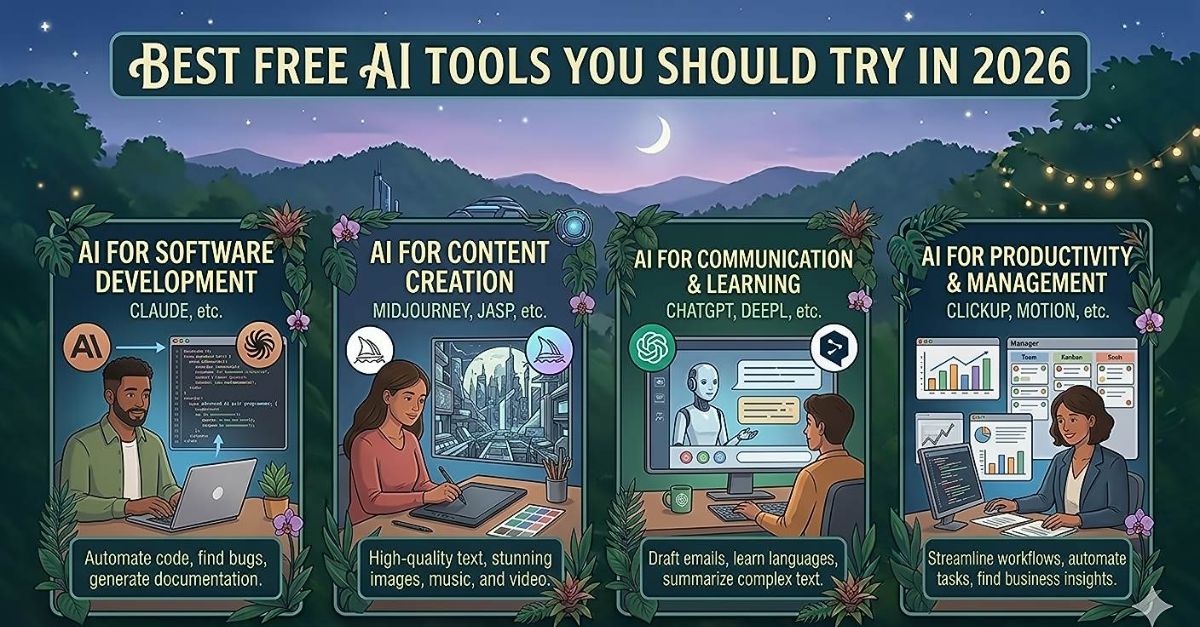
Artificial intelligence has moved out of research labs and into your browser. Whether you want to write faster, generate images, summarise documents, or debug code, there is now a free AI tool built exactly for that task. Here are the ten best ones available right now.
1. ChatGPT (Free Tier)
OpenAI's ChatGPT remains the gold standard for conversational AI. The free tier gives you access to GPT-4o mini, which handles writing, research, brainstorming, and basic coding with impressive accuracy. Create a free account at chat.openai.com and start a conversation — no technical knowledge required.
2. Google Gemini
Google Gemini integrates directly with Google Docs, Gmail, and Search. The free plan lets you summarise long emails, draft replies, generate images, and ask questions about documents you upload. Its tight integration with Google's ecosystem makes it uniquely powerful for productivity.
3. Microsoft Copilot
Built into Windows 11 and available at copilot.microsoft.com, Copilot uses GPT-4 under the hood and is completely free. It excels at research tasks, can browse the web for up-to-date answers, and generates high-quality images through DALL-E 3.
4. Claude (Free Tier)
Anthropic's Claude is widely considered the best AI for long-document analysis and nuanced writing. The free tier handles documents up to 200,000 tokens — enough to analyse an entire book. It produces notably human-sounding text and avoids the robotic tone common in other models.
5. Perplexity AI
Think of Perplexity as an AI-powered search engine that cites every source. Instead of ten blue links, you get a clear, referenced answer. The free plan includes access to its web search model and is invaluable for research, fact-checking, and keeping up with current events.
6. Canva AI (Magic Studio)
Canva's free plan now includes a suite of AI tools under the Magic Studio banner. Magic Write generates copy, Magic Edit lets you remove or replace objects in photos, and Text to Image creates graphics from a prompt. It removes the design barrier for non-designers entirely.
7. Gamma
Gamma creates polished presentations, documents, and websites from a single text prompt. Type your topic, choose a style, and Gamma builds a complete slide deck in under 60 seconds. The free plan allows 10 AI creations per month — more than enough for occasional use.
8. ElevenLabs (Free Tier)
ElevenLabs converts text into remarkably natural-sounding speech. The free plan gives you 10,000 characters per month and access to dozens of voices. Content creators use it for YouTube voiceovers, podcast intros, and accessibility features on websites.
9. Runway ML
Runway specialises in AI video generation and editing. The free plan includes 125 generation credits, enough to experiment with generating short video clips from text prompts or removing backgrounds from footage. Video AI is still maturing, but Runway is the clearest leader.
10. GitHub Copilot (Free for Students)
For developers and students, GitHub Copilot is now free. It auto-completes code, explains functions, finds bugs, and writes unit tests directly inside VS Code or JetBrains IDEs. Studies show it reduces coding time by 55% on average tasks.
How to Get Started
The best approach is to pick one tool that matches your biggest current pain point and spend a week using it daily. Trying all ten at once leads to overwhelm. Start with ChatGPT or Gemini for general use, then add specialist tools like Perplexity for research or Canva AI for design as specific needs arise.

Comments